Public APIs
Opening chosen operations to requests with no session and no API key — for the app's public screens and anonymous integrations.
By default, an app's GraphQL endpoint only answers whoever identifies themselves: a session (from the app's screens or from whoever builds) or an API key. But there are legitimate cases of anonymous access — a contact form on the website, a public status-checking screen, an open catalogue. That is what public APIs are for: operations you choose to open to requests with no session and no key.
The switch is always yours, API by API — and, on Table APIs, operation by operation. Nothing goes public by accident.
What an anonymous request is
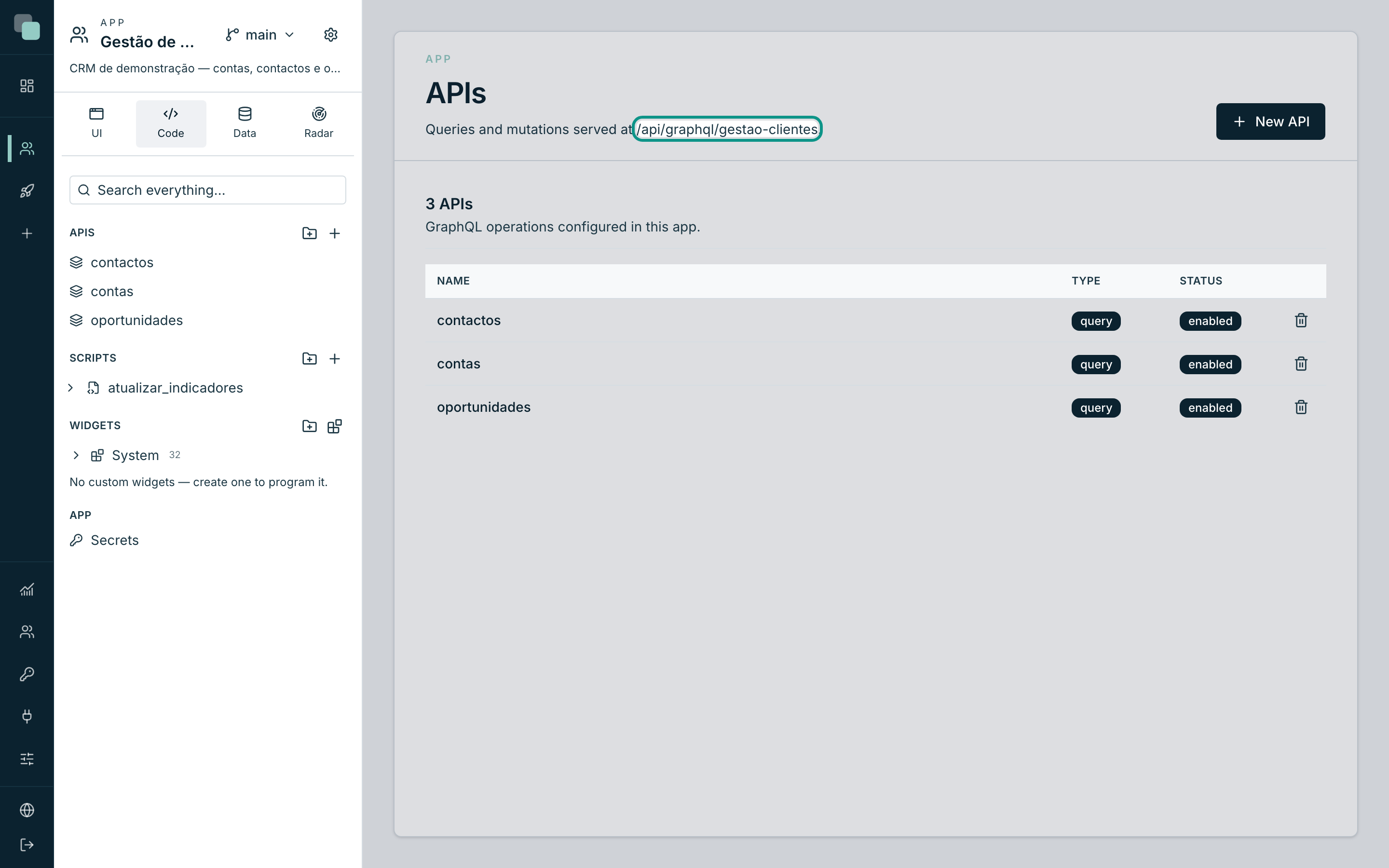
A request to the app's endpoint (/api/graphql/gestao-clientes, or
/api/graphql at the published address) with no session cookie and no
x-api-key header. It is what the app's public screens do — pages served
before login — and any external client you call without credentials.
Making a pipeline API public
- Open the API in the builder.
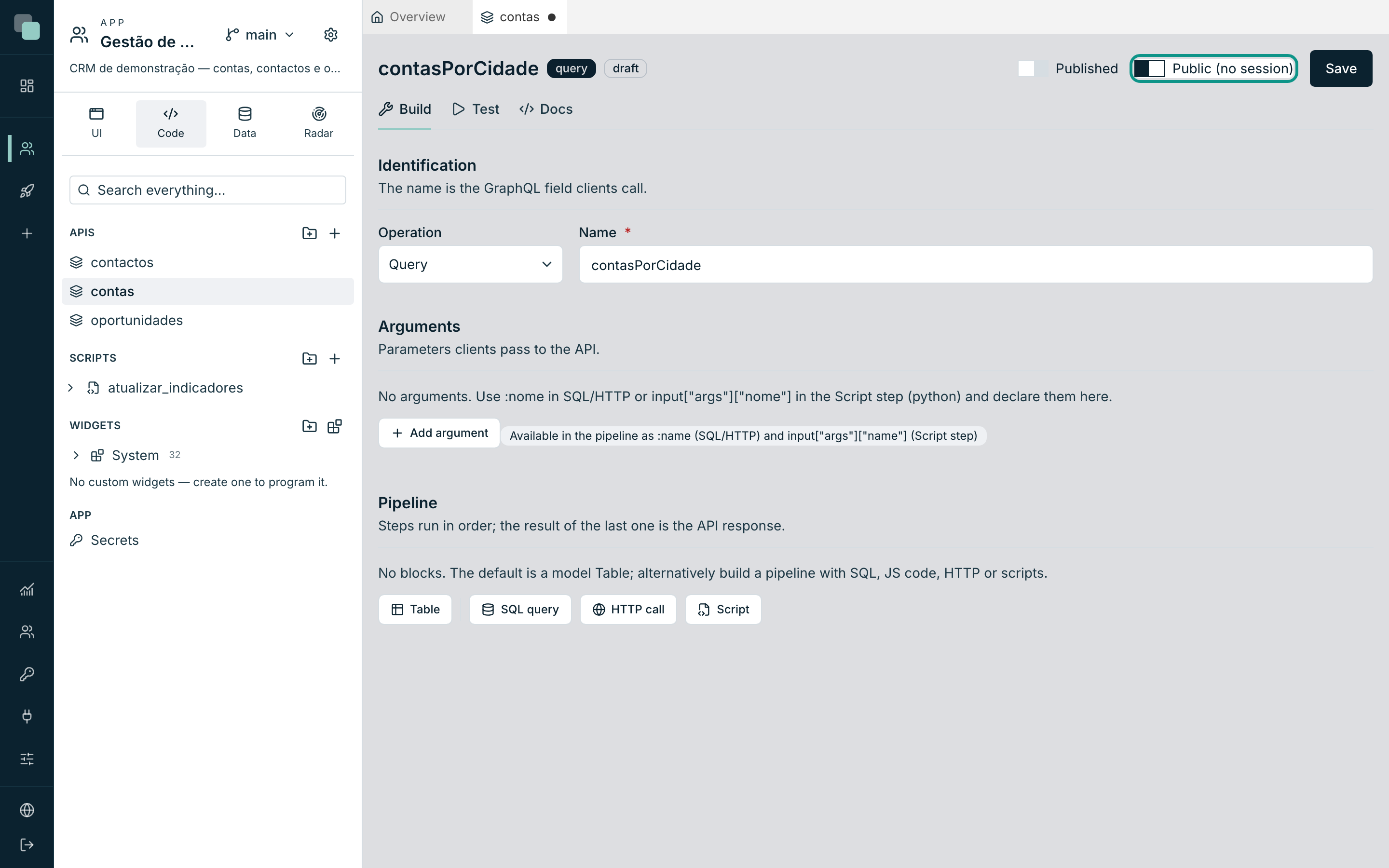
- In the header, switch on Public (no session) — the hint confirms: "Accessible without a session or API key — for the app's public screens."
- Save. The API also has to be Published — a draft is never served to anonymous callers, public or not.
Making operations of a Table API public
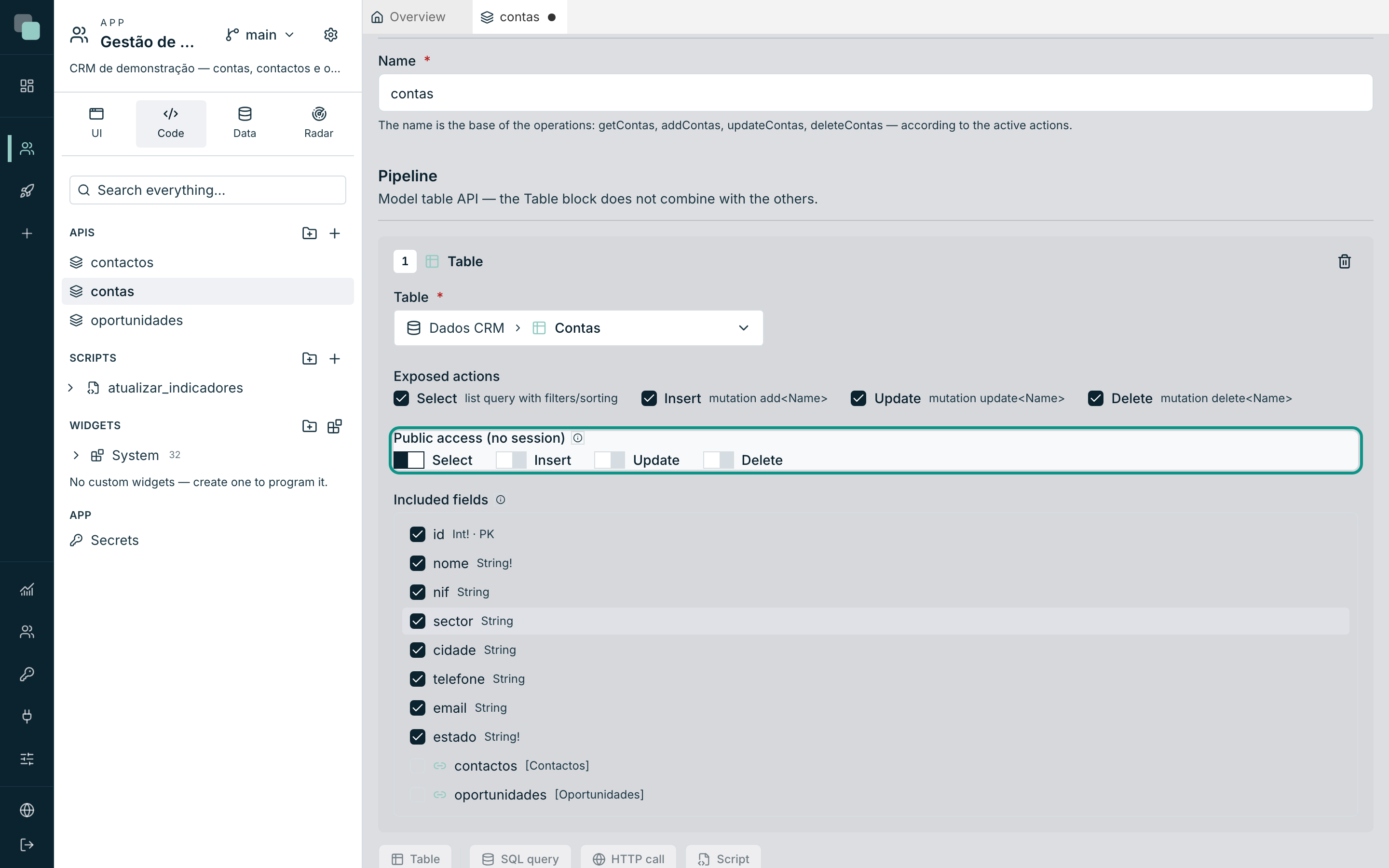
On a Table API the public access is finer: per action. In the Table block, the Public access (no session) row has one switch per action (Select, Insert, Update, Delete):
- Enable the action in Exposed actions first — only exposed actions can be public; switching an action off also switches off its public access.
- Switch on the public toggle only for the operations the public screens need. "Enable only what you need" — that is the house rule.
- Save.
A public interest-registration form, for example, needs a public Insert —
and nothing else: the list, the edit and the removal stay behind the
session.
What anonymous callers see — and what they do not
The endpoint handles anonymous requests with a schema of its own, a tighter one:
- Only the public APIs exist. The rest do not even show up through introspection — not even the names. An anonymous caller cannot list what the app keeps private.
- Each operation validates the access. Calling a non-public operation in an anonymous request returns the error "Operation not available without a session" — even if the name is known.
- Drafts never. Only published APIs.
- There is a request ceiling: 120 requests per minute, per app and per
origin address. Past the ceiling, the response is
429with theretry-afterheader saying how long to wait. It is plenty for public screens; it curbs basic abuse.
Note
Anonymous executions are recorded like the rest — in the app's Radar you see who called what, with the access mode "public". If you open an operation to the world, you have somewhere to watch it.
Calling with no session and no key
An anonymous request is a normal POST, with no authentication headers:
curl -X POST 'https://o-teu-host/api/graphql/gestao-clientes' \
  -H 'content-type: application/json' \
  -d '{"query":"mutation ($nome: String!, $email: String!) { registarInteresse(nome: $nome, email: $email) }","variables":{"nome":"Ana Silva","email":"ana@exemplo.pt"}}'
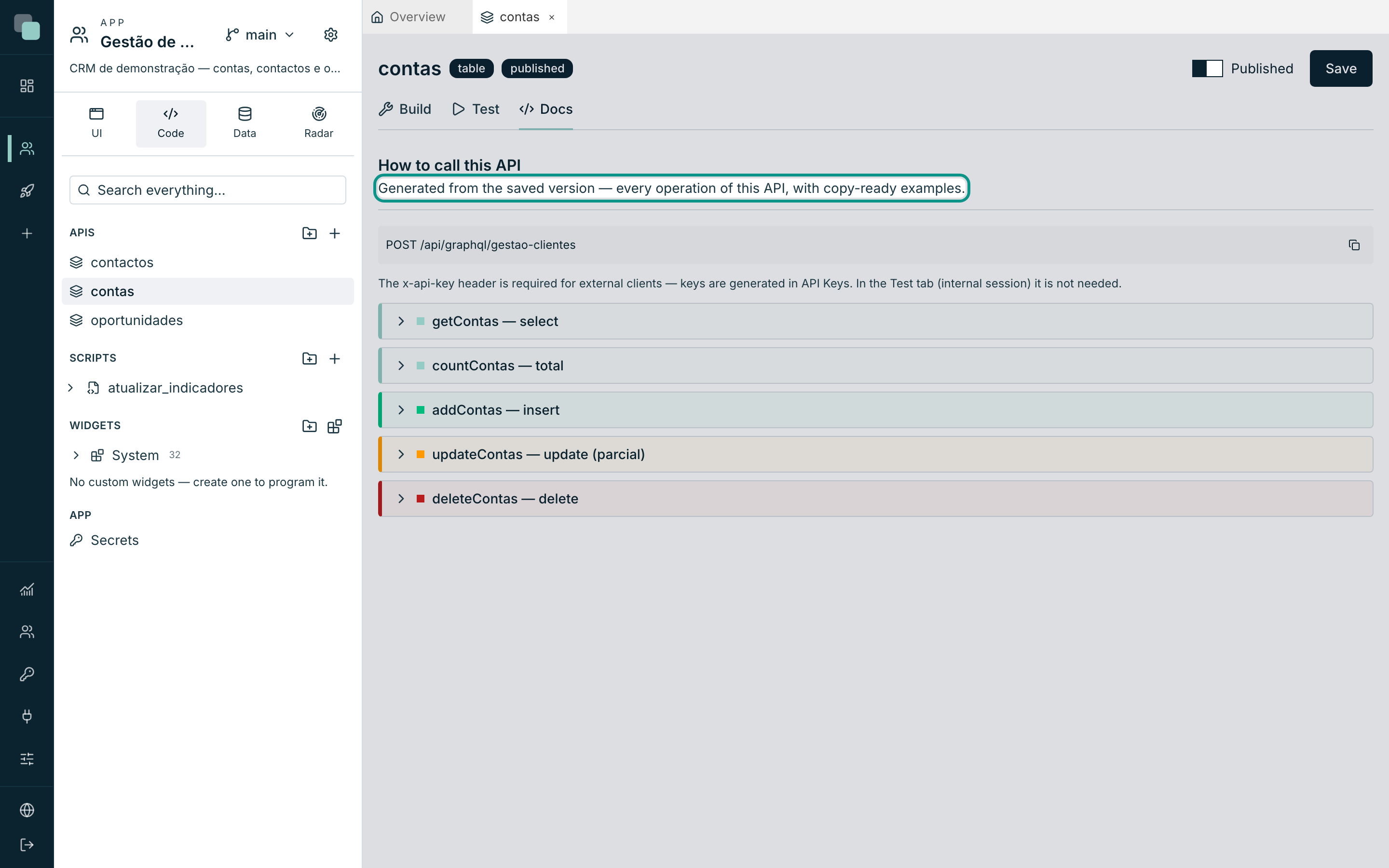
The API's Docs tab gives you the exact example — ignore the
x-api-key line there, which only applies to clients with a key.
Good practices
| Practice | Why |
|---|---|
| Open the minimum of operations | Every public operation is surface exposed to the world. |
| On tables, prefer read actions — and counted fields | The Included fields tree also applies to anonymous callers: what is not included does not come out. |
| Public writes with required arguments and validation in the pipeline | A public Insert accepts whatever it is sent — validate in the Script step or with model rules. |
| Watch it in the Radar | Public executions are recorded with the access mode; anomalous spikes show up there. |
Why doesn't…?
- I switched the toggle on and the anonymous request still fails. Check the state: the API has to be Published as well as Public — and, on a table, the right action has to have its public toggle on.
- Why does the browser return an error when opening the endpoint? The interactive environment (GraphiQL) of the endpoint asks for a platform session — it is a builder's tool. Data is requested via POST, as in the example above.
- Why do I get
429? You reached the anonymous ceiling for the address. Wait theretry-aftertime. If your integration needs more, use an API key — a key's limits are independent of the anonymous ceiling. - Does a public operation respect the app users' permissions? An anonymous caller is not a user — there is no user data scope to apply. Expose in public operations only data that can genuinely belong to everyone.