Versions and publishing
Creating versions of an app, choosing which one you work on, and publishing an address that serves a version — plus what answers before there is any address at all.
Building and serving are two different things, and the platform separates them with two pieces: the versions (branches of the app, each with its own design and its own data) and the publishing (which address serves which version).
The rule that sums it all up: each host serves ONE version of this app. Publishing is not "going live" — it is choosing which version an address serves.
The versions of an app
A version is a complete branch of the application: the screens, the model, the APIs, the scripts, the workflows, the reports and the data. Two versions share nothing — touching one does not touch the other.
The versions menu sits in the header of the app tree, next to the settings button. What it shows is your working version:
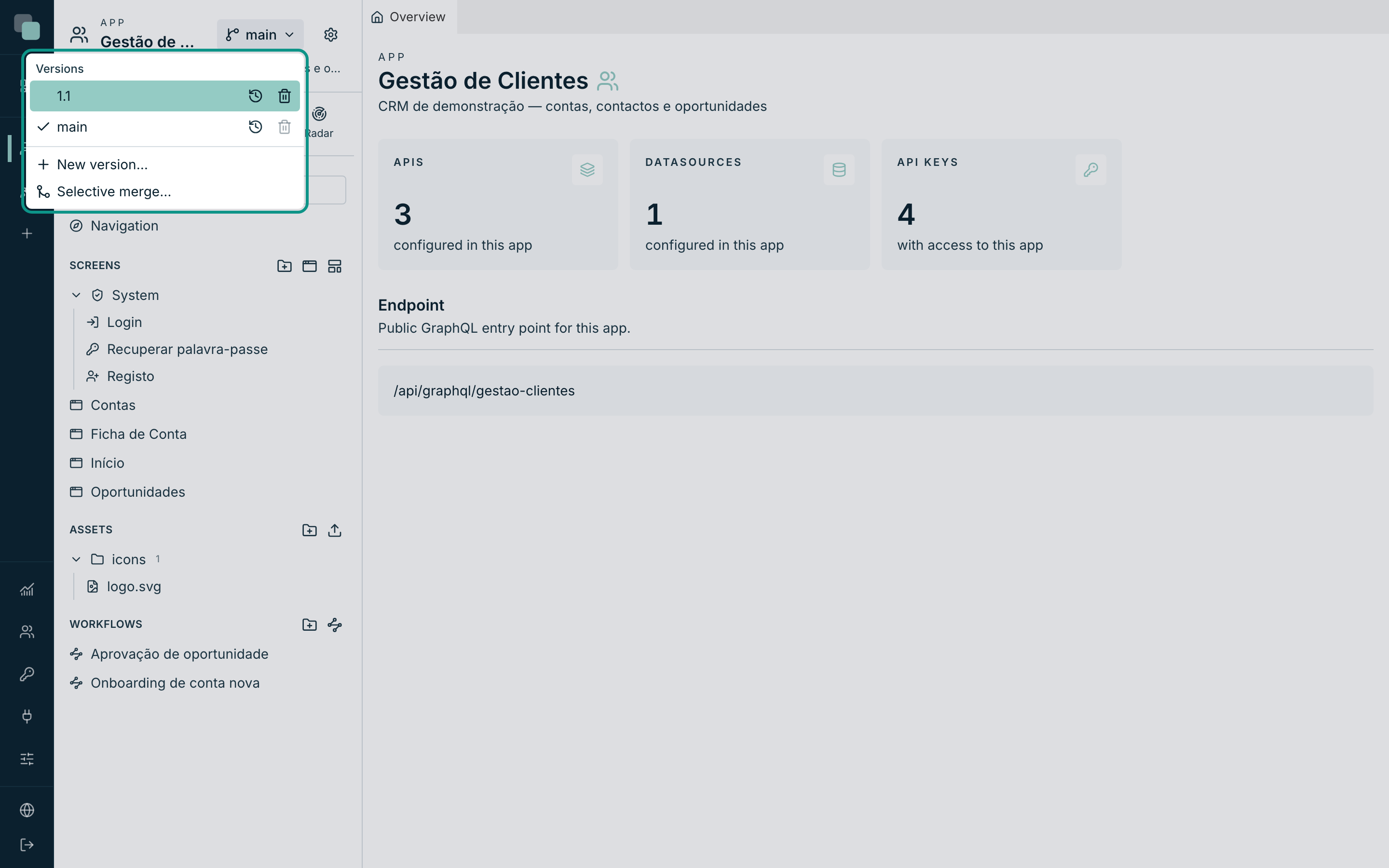
| Element | What it does |
|---|---|
| The list of versions | Clicking a row switches your working version to it. The check marks the current one. |
| ⟲ (on each row) | Opens that version's history — what changed, when and by whom. |
| 🗑 (on each row) | Deletes the version. |
| New version… | Creates a branch. |
| Selective merge… | Brings chosen changes from one version into another. |
Note
The working version is yours: switching versions touches nobody
else's. Two people can be in the same app, one fixing main and the
other building 1.1, without getting in each other's way.
In an app that never had versions, the menu says "This app has no history yet.".
Creating a version
- Open the versions menu and click New version….
- Fill in the Name (for example
1.1) and choose From — the origin version. - Click Create version.
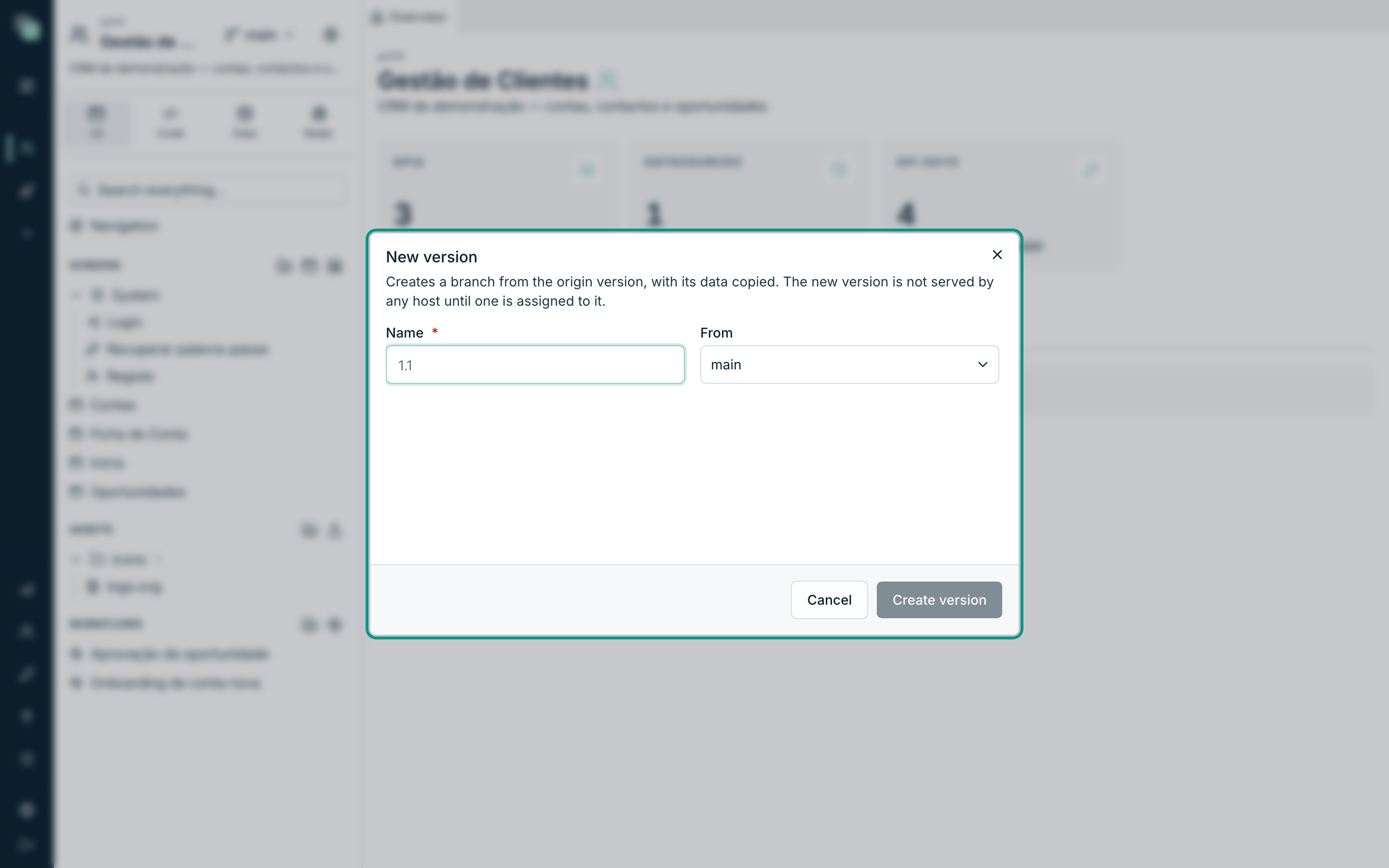
"Creates a branch from the origin version, with its data copied. The new version is not served by any host until one is assigned to it."
Two consequences worth holding on to:
- The data is copied, not shared.
1.1is born with a copy of whatmainhad at that instant; from there on, they lead separate lives. - Nobody sees it, until you publish an address pointing at it. You can work on a version for months without a single user noticing.
As soon as the version is created, you are working on it ("Version “1.1” created — you are now working on it.").
Deleting a version
The 🗑 on a row deletes "this version's design, database and history. Other versions are untouched". Two protections:
- the main version cannot be deleted;
- neither can the version you are working on — "switch to another before deleting it".
Publishing
Publishing lives in App settings → General, in the Publishing section.
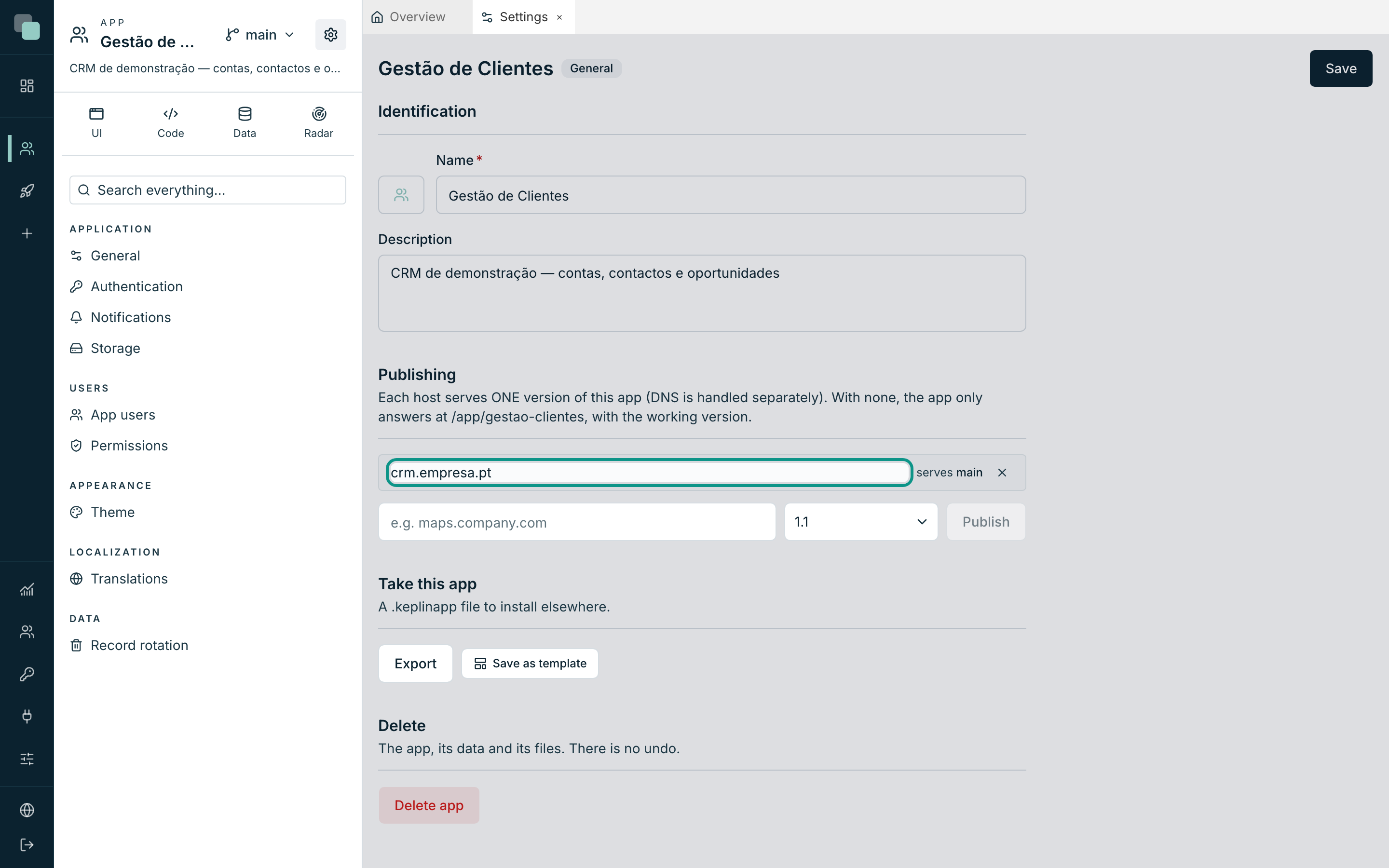
Each row is a published address: the host, the version it serves, and the ✕ to Unpublish.
To publish a new address:
- Type the host in the field (the example says
e.g. maps.company.com) — just the name, nohttps://and no paths. - Choose the version it starts serving.
- Click Publish.
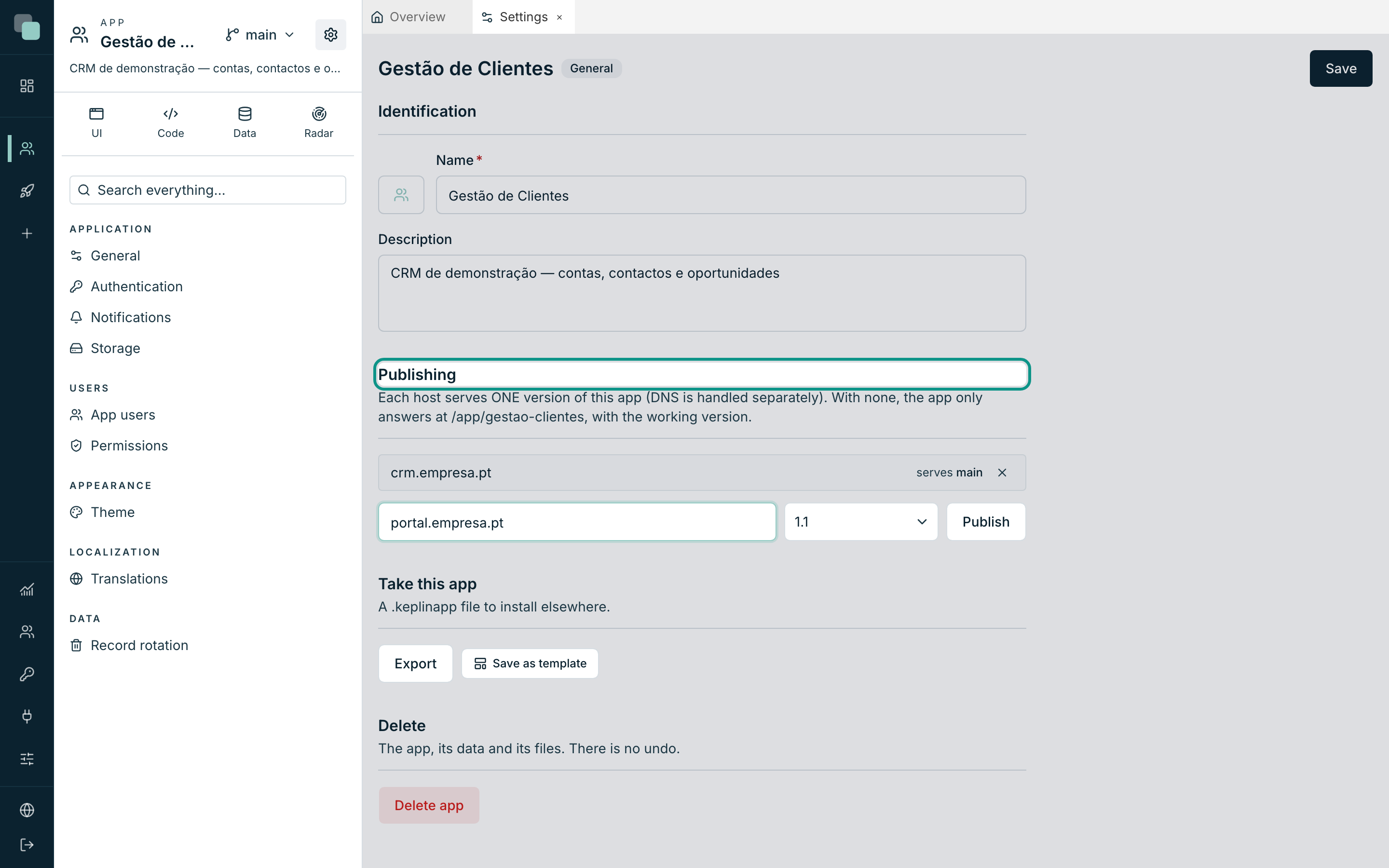
Once confirmed, "Host published." appears and the new row joins the list.
Warning
DNS is handled separately. Publishing here tells the platform what to answer when somebody arrives by that name; making the name reach the platform is the job of whoever manages the domain. A published host with no DNS pointed at it answers nobody.
Before there is any address at all
"No published hosts — the app answers at /app/{slug} with the working
version." It is the internal address as always, and it is how an app is
tried out before it gets a name of its own.
Note the difference: at /app/{slug} runs the working version of whoever
is looking; on a published host runs the version the host serves, for
everyone. That is why, in production, a host is always published — so that
what the users see does not depend on which branch somebody happens to be
working on.
Unpublishing
The row's ✕ (Unpublish) removes the address. The version is untouched — it simply stops being served there.
To change the version on an already published address, unpublish and publish again with the new version. It is the "put 1.1 in production" operation, and it takes seconds.
The app running
A published address serves the built application. Whoever arrives there does not see the platform: they see the app's sign-in screen, with the app's theme.
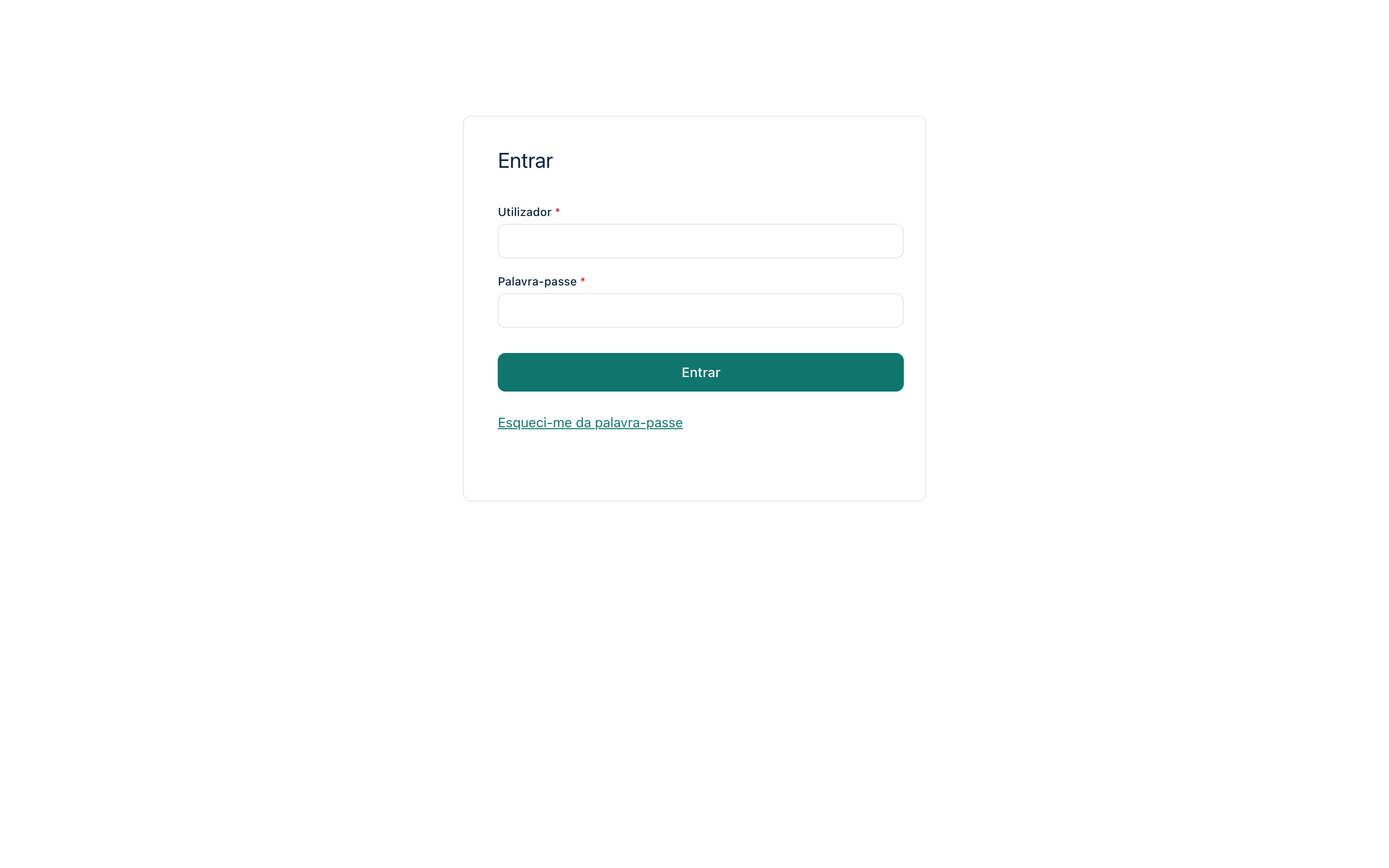
From there, what each person can do depends on the account they sign in with and its roles — the subject of the page App users. The sign-in, registration and recovery screens are designable, and have a page of their own: Public screens and registration.
A healthy workflow
A common way of organizing this in a team:
mainis the version in production. The official host (crm.empresa.pt) servesmain.- For a big change, a version (
1.1) is created frommainand the work happens there. - To show it to somebody ahead of time, a second host
(
crm-teste.empresa.pt) is published serving1.1. - When it is ready, the production host starts serving
1.1— or what matters is brought intomainwith Selective merge….
Tip
Version names that say something save confusion: 1.1, 2026-Q1,
piloto-norte. One day somebody will look at the list and have to decide
what to delete.
What does not travel with the app
When you export an app as a package, the host stays out — it belongs to this installation, and the same package installed somewhere else will have addresses of its own. The execution history and the API keys stay out too. See Importing and exporting apps.
Frequently asked questions
I switched versions and the app looks empty.
Each version has its own data. 1.1 only has what existed in the
origin at the moment it was created, plus what was done there since.
I published the host and the browser finds nothing.
DNS is missing: the name has to point at this installation. Until that
happens, use /app/{slug} to try things out.
Can I have two hosts serving the same version? Yes. A host serves one version, but nothing stops several from pointing at the same one — for example, a short address and a full one.
I deleted a version by accident. There is no way back: it deletes its design, its data and its history. It is the reason production versions should always have a host attached — a version served by a host is a version nobody deletes by distraction.