Essential concepts
The five concepts that hold everything up in Keplin — apps, screens, data model, versions and publishing — and the two populations of users.
Before touching a single button, it is worth fixing half a dozen ideas. Everything else in the platform — every menu, every panel, every decision you are going to take — rests on these concepts. This page defines them once, calmly; the following chapters assume you know them.
The app — the unit of everything
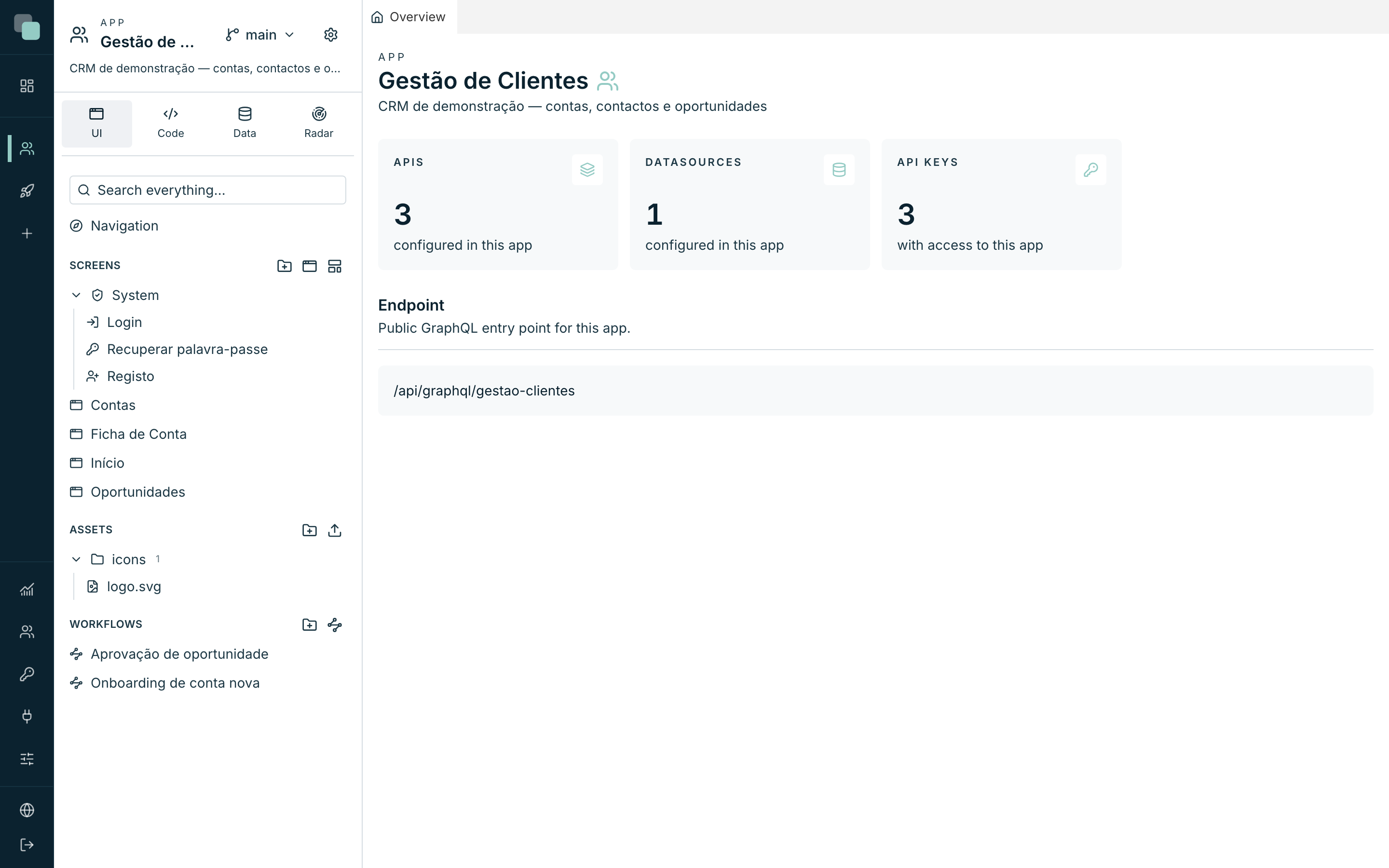
An app is a complete, self-contained application: its screens, data model, APIs, scripts, reports, settings and users live together and travel together. Every app has:
| Property | What it is |
|---|---|
| Name | How the app appears in the list and in the workspace. E.g.: Customer Management. |
| Slug | The short form of the name, derived automatically, that goes into the addresses. E.g.: gestao-clientes. |
| Icon | The app's symbol in the sidebar and in the list. |
| Description | A free sentence, visible in the header of the app tree. |
Being self-contained has two practical consequences:
- An app can be exported as a
.keplinappfile and imported into another installation — it takes everything with it. - Deleting an app deletes its world (design, data, files) without touching the other apps or the external databases it connected to.
Note
The list of apps you see in the sidebar is not the same for everyone: each account only sees the apps it has access to. Outside those, the app does not appear in the list nor open by link.
Screens — the pages of the application
A screen is a page of the built app, designed in a visual editor: you drag widgets (tables, forms, charts, calendars, …) onto a canvas, bind them to data and define what happens on each click. Every screen has a route — the path in the app's address — and can take parameters (for example, the number of the customer to show in a record page).
Three types of screen deserve a name of their own:
- Normal screens — the ones you create and organize freely in the tree.
- System screens — they exist in every app from the first second: Login, Recover password and Register. You edit their appearance in the same editor, but their route and access are fixed.
- Public screens — served without a signed-in session, for pages anyone can see. They can only read data from APIs marked as public.
The glue between screens is Navigation: the app's menu (top or side bar), with items, submenus and shortcuts, designed in its own editor.
The data model
The data model is the map of the app's entities — tables, fields, relations and enums — built on top of the datasources (the databases the app connects to). You import the tables that matter into the model, give them friendly names, and from then on the rest of the platform speaks the language of the model: table APIs generate complete operations from it, screens pick fields by their friendly name, enums feed lists of options.
The essential point: the model describes, it does not duplicate. The data goes on living in the databases; the model is the layer that makes it usable by screens and APIs without writing the same logic twice.
Versions — working without fear
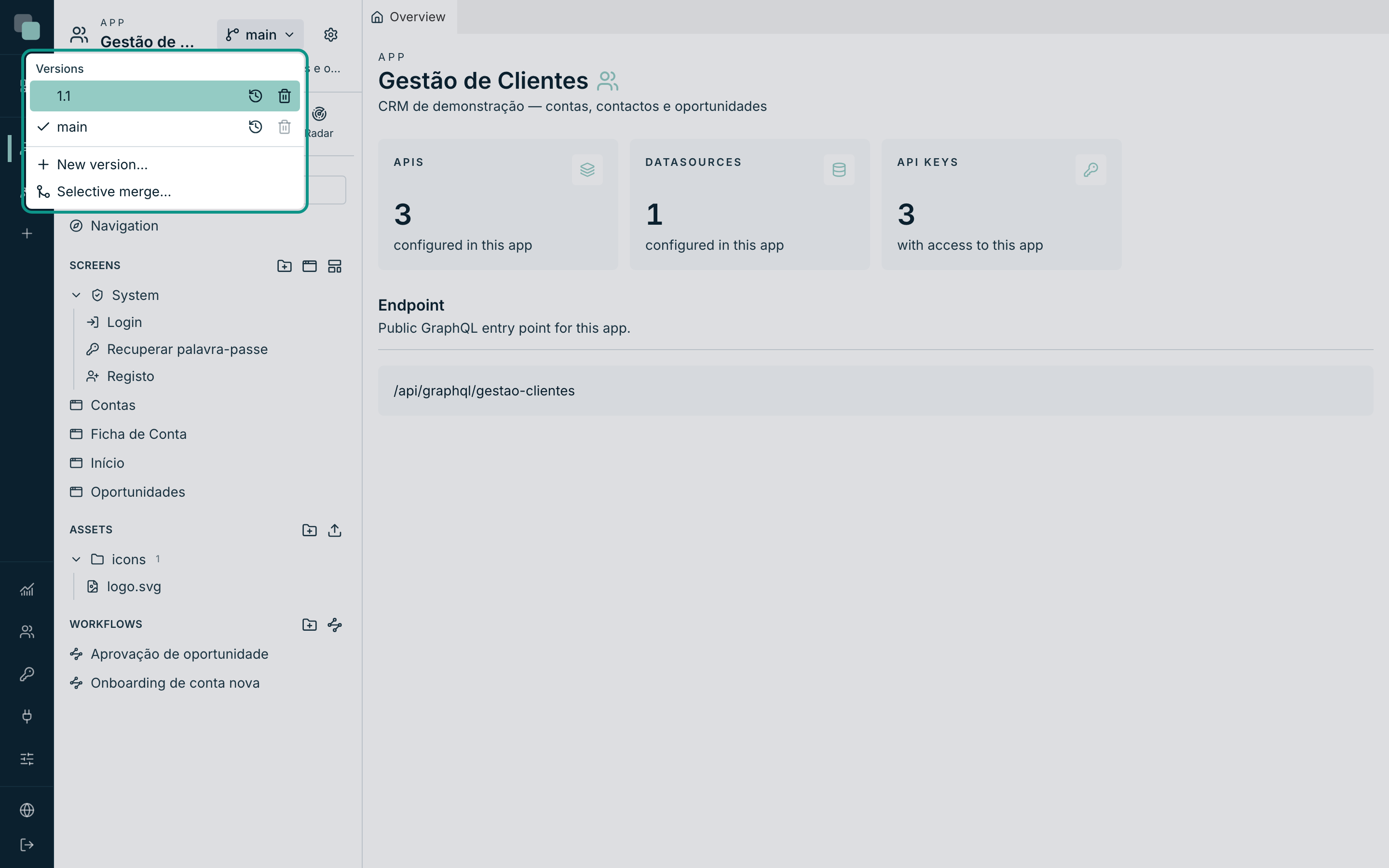
Every app has versions, and the first one is always called main. A version is a complete copy of the app's design and data at that moment — creating version "2.0" from main gives you a branch where you can change everything without touching what is in use.
What matters to remember:
- The working version is yours. Each person picks which version they are working on; switching version does not change anyone else's version.
- Versions do not share data. A new version is born with the data copied from its origin; from then on, each one lives its own life.
- Every version has history. All saves are recorded, with two ways of going back: Restore the app to this state (takes everything back to a moment) and Revert this change (undoes one specific save). Neither rewrites history — undoing is always a new step in the record.
- You can bring elements across versions — a screen finished in "2.0" can be brought into main without bringing the rest.
Publishing — which version serves each address
Publishing is not a "go live" button — it is an association: each address
(host) serves ONE version of the app. In the Publishing section of the
app settings you associate a host (e.g.: crm.company.com) with a version;
whoever visits that address sees that version, and only that one.
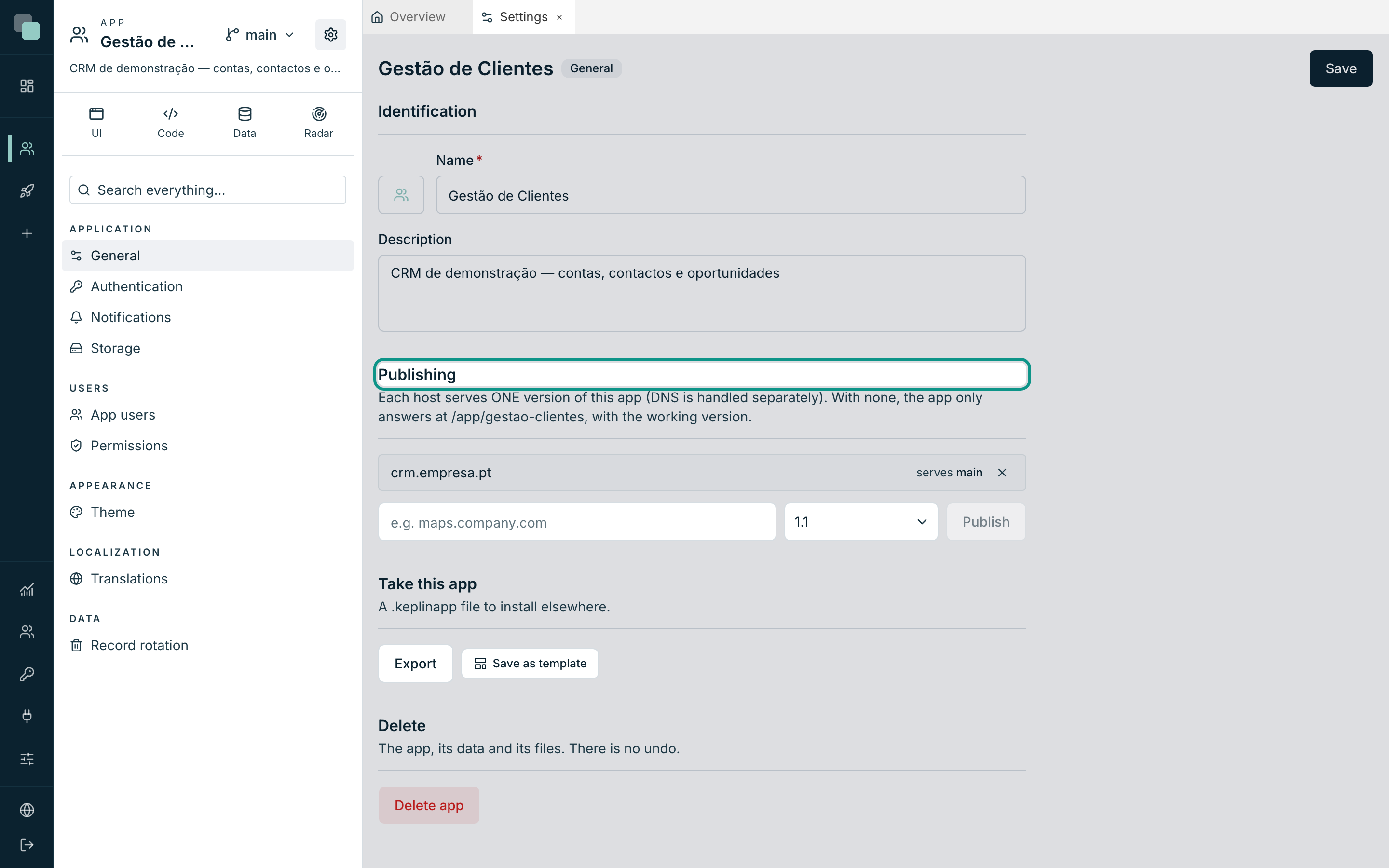
While you have not published any host, the app answers just the same — at the
internal address /app/<slug> (e.g.: /app/gestao-clientes), with the
working version. It is the natural place to experiment while building.
Tip
This model gives you environments for free: main published at the production
address, "2.0" at a test address, and your working version at /app/<slug> —
three audiences, three versions, the same app.
Two populations of users
There are two ways of being in Keplin, with separate accounts and separate doors:
| The people who build | The people who use | |
|---|---|---|
| Come in through | The platform's sign-in page | The address of the published app (or /app/<slug>) |
| See | The workspace: tree, editors, versions | The screens of the built app — and nothing else |
| Account managed in | Users (global menu, administrators) | App users, in each app's settings |
| Profiles | admin (everything, in every app) and developer (only the assigned apps) | The ones you define in the app's Permissions |
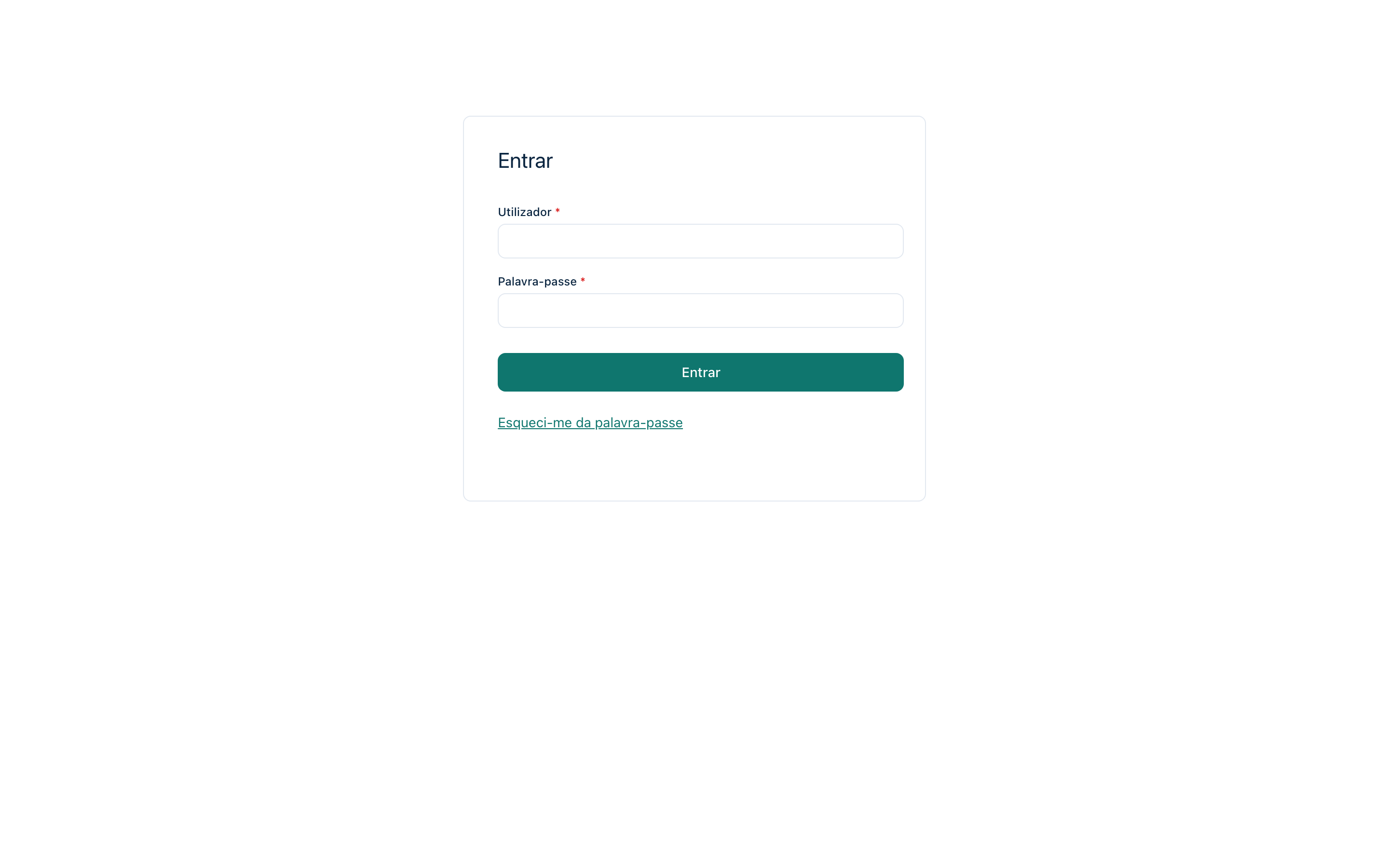
App users do not even know that Keplin exists: the login, the registration and the password recovery they see are the system screens of the app, with the theme and the language of the app. That separation shows up everywhere — and it is why each app's settings (theme, translations, accounts, permissions) travel with it when you export it.
Note
Throughout this documentation, "user" with no further qualification refers to the people who build. When we talk about the people who use the built app, we always say app users.